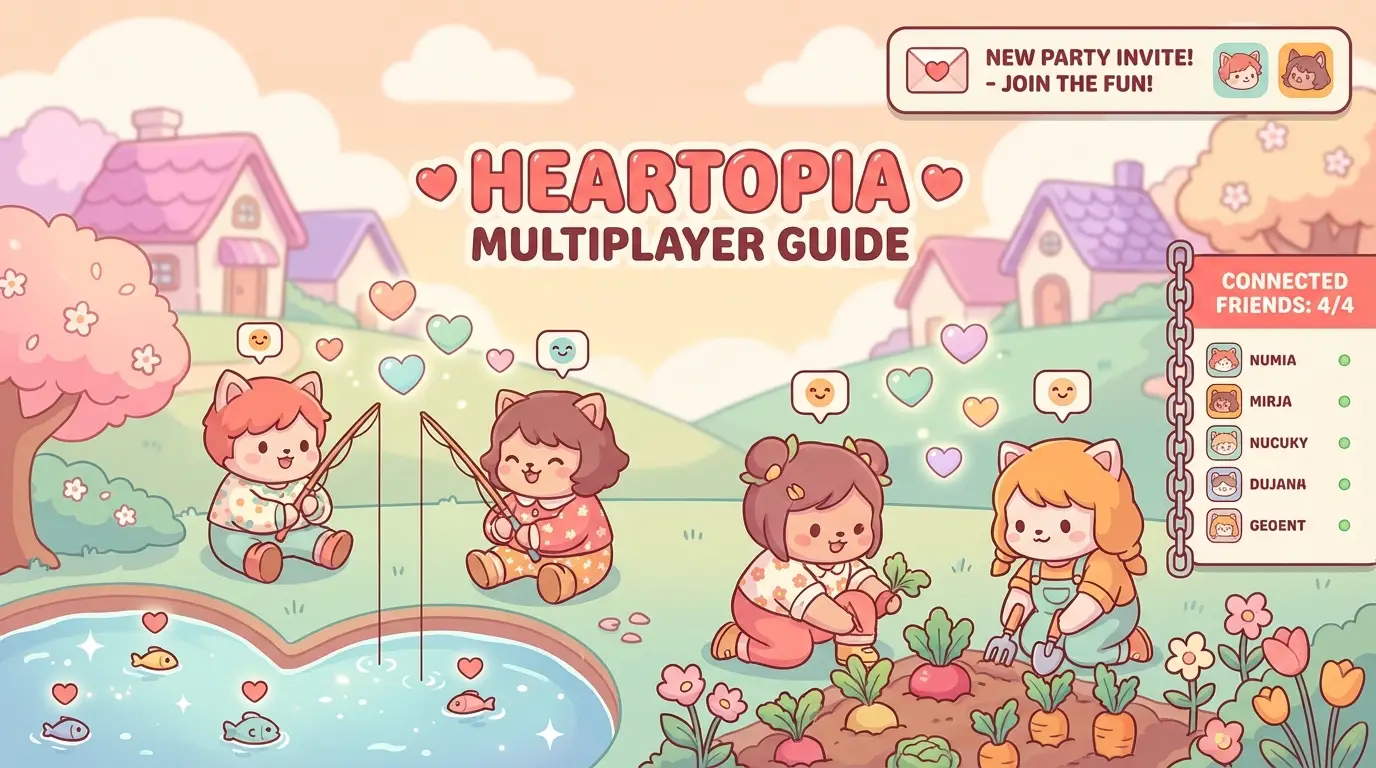
Heartopia is even better with friends! This guide covers everything about multiplayer features.
How to Add Friends
Adding Friends Step-by-Step
- Open the Social Menu (friends icon)
- Tap “Add Friend”
- Enter their username or ID
- Send friend request
- Wait for them to accept
Finding Your Player ID
Your unique ID is in:
- Settings > Account > Player ID
- Share this with friends who want to add you
Server Selection
Before You Start
⚠️ Important: Characters are server-locked! Choose wisely.
| Consideration | Recommendation |
|---|---|
| Playing solo | Any server |
| Playing with friends | Same server as them |
| Population | Medium = best balance |
| Time zone | Match your region |
Transferring Servers
Currently, server transfers are not available. You’d need to start a new character.
Visiting Friends’ Homes
How to Visit
- Open Friends List
- Select a friend who is online
- Tap “Visit Home”
- Wait for loading
- Explore their home!
What You Can Do When Visiting
| Activity | Benefit |
|---|---|
| Look around | Get decoration ideas |
| Leave a like | Daily bonus for both |
| Take screenshots | Save inspiration |
| Chat | Social interaction |
What You Can’t Do
- Move their furniture
- Take their items
- Use their stations (cook, craft)
- Access their storage
Co-op Activities
Activities to Do Together
| Activity | Players | How to Start |
|---|---|---|
| Fishing together | 2+ | Meet at fishing spot |
| Event quests | 2-4 | Accept same event quest |
| Explore areas | 2+ | Walk together |
| Photo sessions | 2+ | Use camera feature |
Party System
Create a party for organized play:
- Open Social Menu
- Tap “Create Party”
- Invite friends
- See each other on map
- Share some quest progress
Chat & Communication
Chat Types
| Type | Access | Use For |
|---|---|---|
| Global Chat | World icon | General talk |
| Party Chat | Party members | Coordination |
| Private Message | Friend list | 1-on-1 talk |
| Emotes | Quick menu | Express yourself |
Communication Tips
- Global chat is public - be respectful
- Use party chat for coordination
- Emotes work when language differs
Cross-Platform Play
Can PC and Mobile Play Together?
Yes! Heartopia supports full cross-platform:
| Platform 1 | Platform 2 | Compatible? |
|---|---|---|
| PC (Steam) | Mobile | ✅ Yes |
| iOS | Android | ✅ Yes |
| PC | PC | ✅ Yes |
Tips for Cross-Play
- Voice chat through Discord recommended
- Some features may look different
- Gameplay is identical
Trading (Coming Soon)
Trading features are planned for future updates:
Expected Features:
- Item trading between players
- Gift system
- Marketplace
- Auction house
Multiplayer Events
What Are Multiplayer Events?
Special events that encourage playing together:
| Event Type | Description |
|---|---|
| Festivals | Town-wide celebrations |
| Competitions | Fishing, farming contests |
| Co-op Quests | Team challenges |
| Limited Events | Seasonal activities |
Event Tips
- Check event calendar regularly
- Coordinate with friends beforehand
- Events often have exclusive rewards
- Some require minimum players
FAQ
How do I play with friends in Heartopia?
Add them as friends using their username or Player ID, then visit their home or create a party to play together.
Is Heartopia cross-platform?
Yes! PC (Steam), iOS, and Android players can all play together on the same servers.
Can I move to my friend’s server?
Currently no server transfers exist. You’d need to create a new character on their server.
What can we do together?
Visit homes, fish together, explore, complete events, take photos, and chat. More co-op features coming in updates!
Related Guides
- 📖 Beginner’s Guide - Start here
- 🎣 Fishing Guide - Fish with friends
- 🎉 Events Guide - Multiplayer events
Happy playing together! 🎮👥